Sep 14, 2026
How to Reduce Start and End Defects in Handheld Laser Welding
Start and end defects can affect weld quality. Learn how to improve weld consistency by controlling laser output, wire feeding, and welding movement.

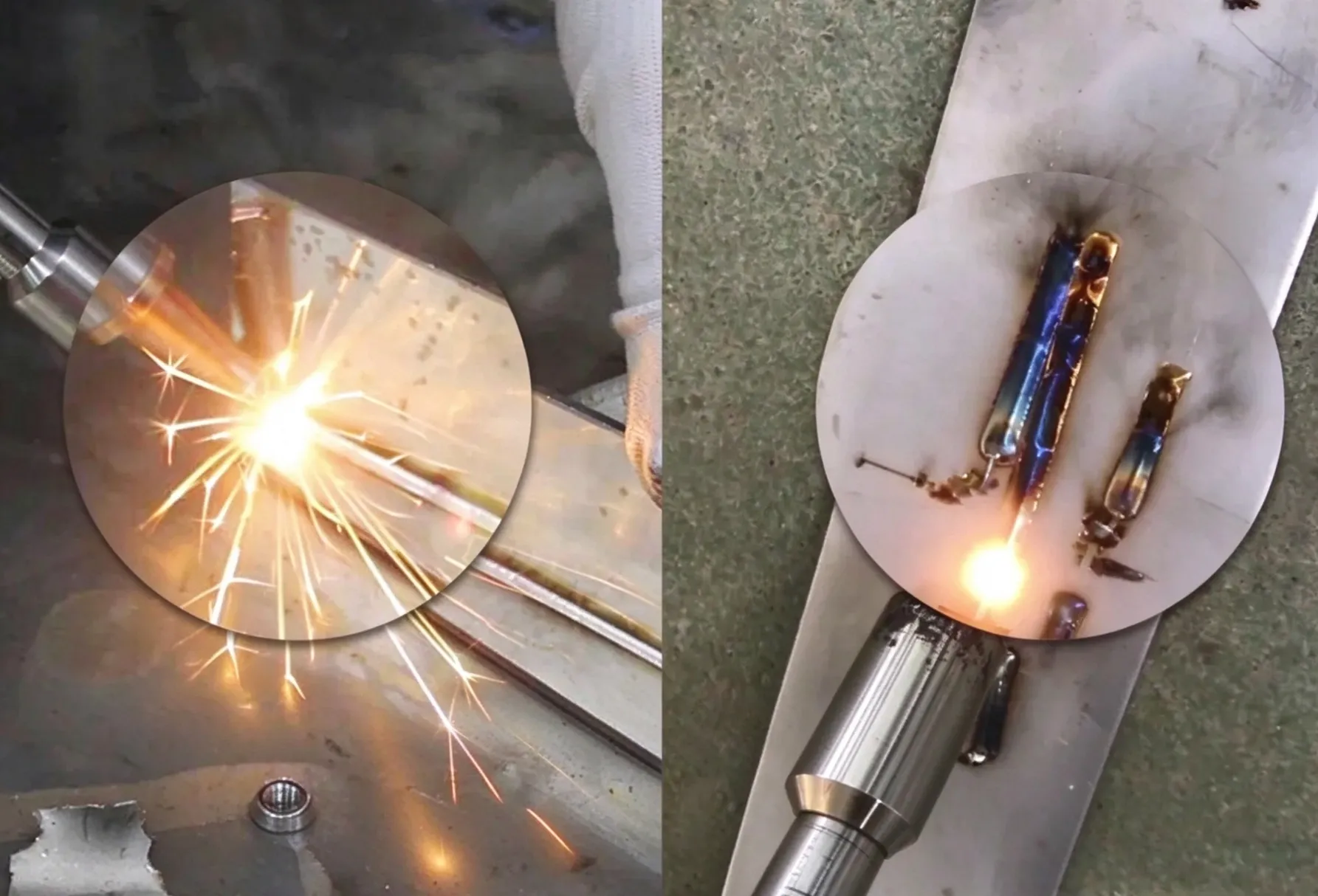
The beginning and ending of a weld can look different from the middle of the weld. You may see burn marks, excess material, holes, or an uneven bead.
These defects are often related to how the laser energy is introduced and stopped.
1. Burn Mark at the Start
If the starting point is darker or wider than the rest of the weld, the material may be receiving too much heat before the Handheld Welding Head starts moving.
Check first:
- Welding speed at the start
- Laser power
- Start position
Try: Start moving the Handheld Welding Head before applying full energy, if your machine control allows it.
2. Excess Material at the End
A large lump can appear when the laser stops but the filler wire continues feeding.
Check:
- Wire feeding timing
- End position
- Laser stop timing
Make sure the wire feed and laser output stop in a coordinated way.
3. Small Hole at the End
A hole or deep mark at the end can occur when the laser stays on the same area for too long while the welding movement stops.
Try: Keep the Handheld Welding Head moving slightly beyond the joint before stopping the laser, if the machine settings allow it.
4. Uneven Weld at Start and End
If the middle of the weld looks good but both ends look different, avoid changing the main welding parameters immediately.
First check the start/stop operation and movement.
Problem | Check First |
|---|---|
Start is too wide | Start speed / power |
Start is burnt | Heat input / start movement |
End has excess wire | Wire feed timing |
End has a hole | Stop position / laser timing |
Ends look uneven | Start & stop operation |
A good weld should not only look good in the middle.
Check the start and end of the weld separately, and adjust the start/stop operation before changing the main welding parameters.